
A view that keeps going
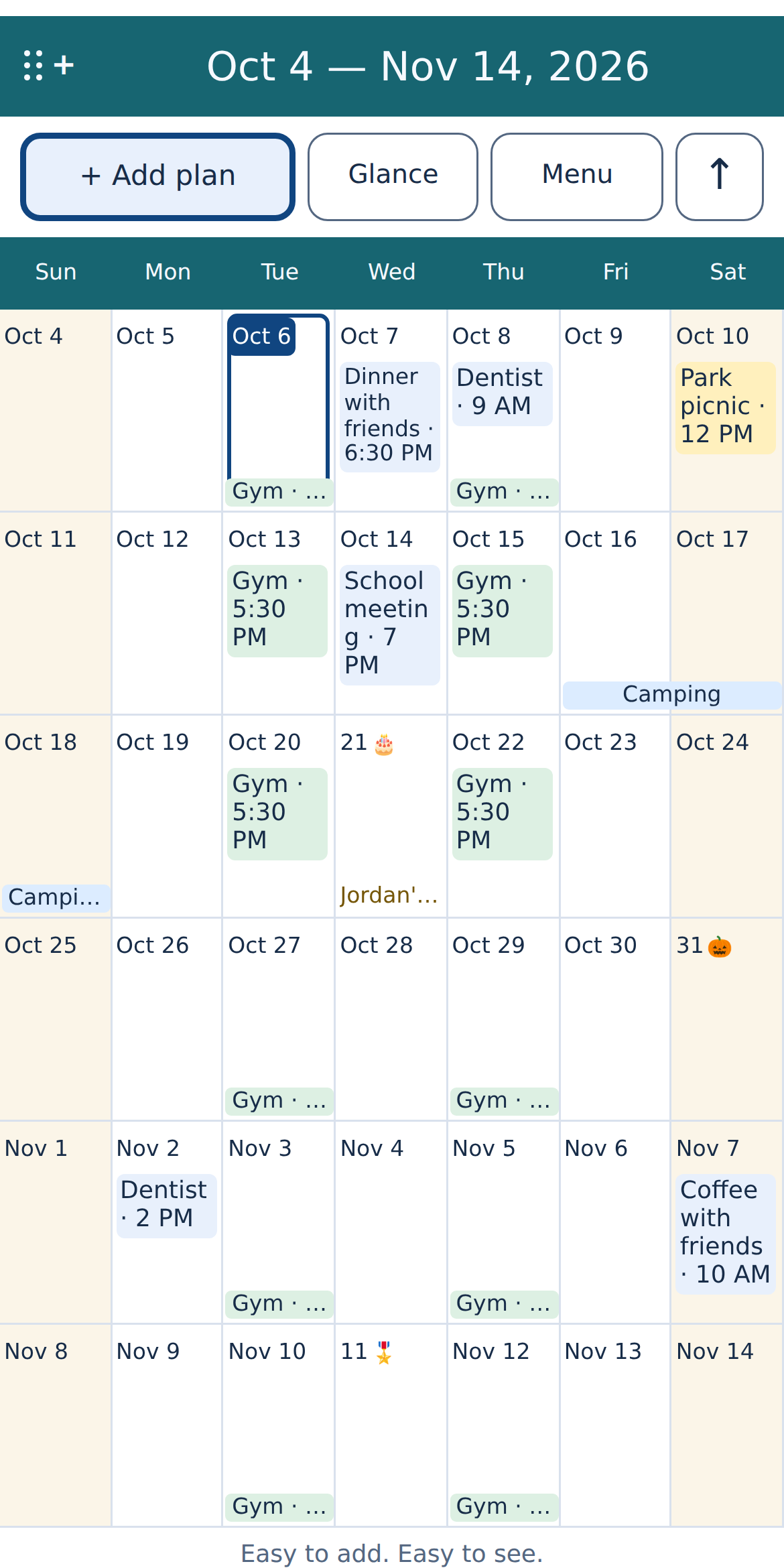
Show 4, 6, 8, 10 or 12 weeks at a time. Scroll across month boundaries and return to today with a tap.
A LITTLE MORE ROOM FOR WHAT’S NEXT
Easy to add.
Easy to see.
See the weeks together, add plans in ordinary words and keep everyday life in view.
No account to set up. No ads. Your plans stay on your device.
The Android release is being prepared. The official Google Play link will appear here when it’s available.
4–12 weeks in view
Works offline
No ads or account
Review before adding
LIFE DOESN’T STOP AT MONTH-END
Appointments, busy weeks and the little things you want to remember, together.
Show 4, 6, 8, 10 or 12 weeks at a time. Scroll across month boundaries and return to today with a tap.
Type a date, time and title in a short line. Check the live preview before saving, then add repeats when you need them.
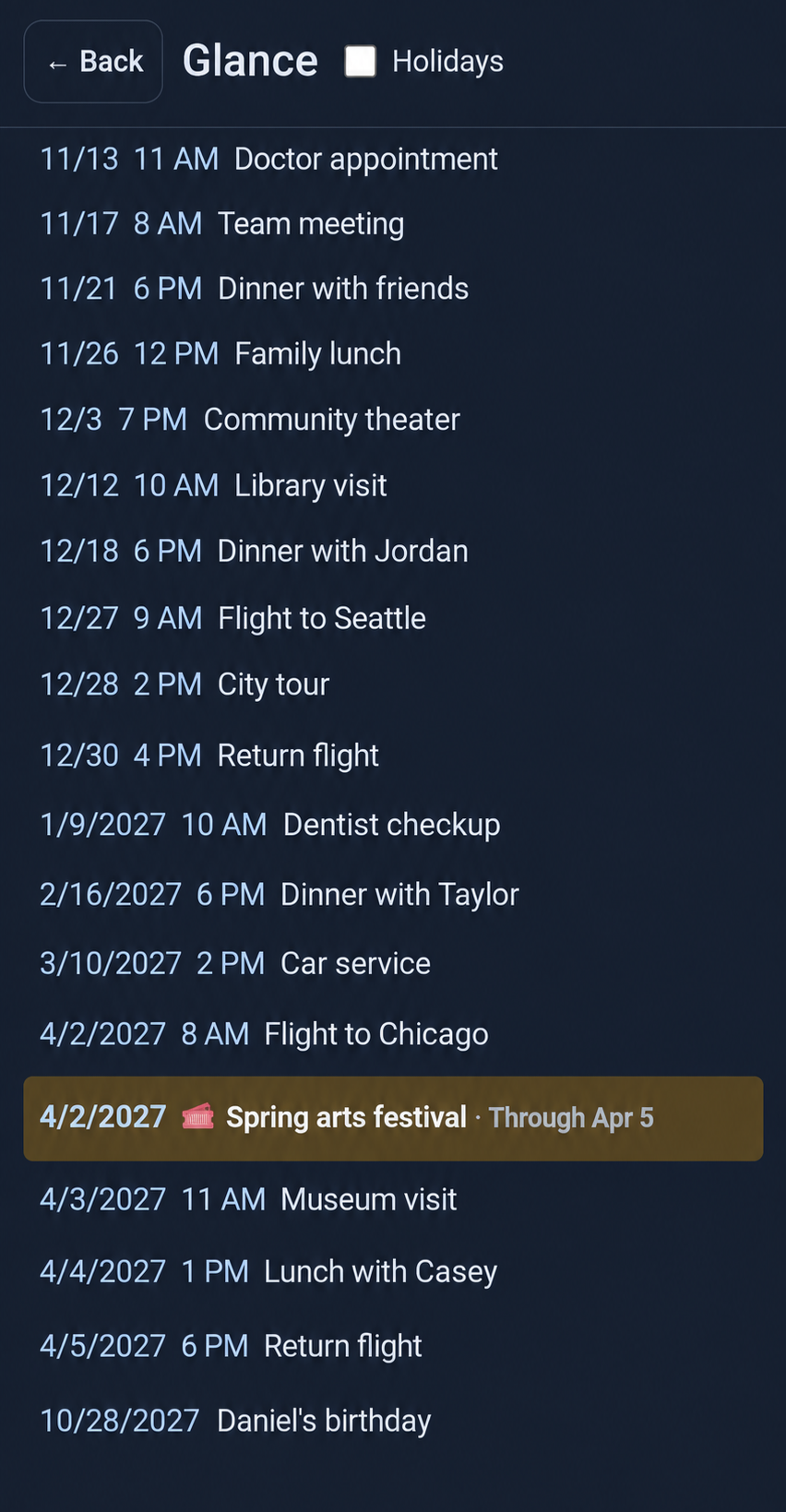
See upcoming plans in a compact list, with their colors and an option to include holiday markers.
Set event reminders, day-before alerts or a morning reminder. Notification permission is requested when needed.
Choose light, dark or system appearance, palettes, fonts, date formats and the day your week starts.
Save and restore a backup through Android’s file picker. You choose where the file goes.
LESS RETYPING. MORE CHECKING.
Import from a calendar on your device, an .ics file, pasted text or a selected photo or screenshot.
Select the calendar, file, image or text you want to use.
Check dates, times and titles. Edit or leave out anything that doesn’t look right.
Accepted plans are saved locally. Device-calendar import copies entries; it does not alter or continuously sync the original calendar.
Photo text is recognized on the device with a bundled model, then interpreted locally. Handwriting and decorative text may need correction.
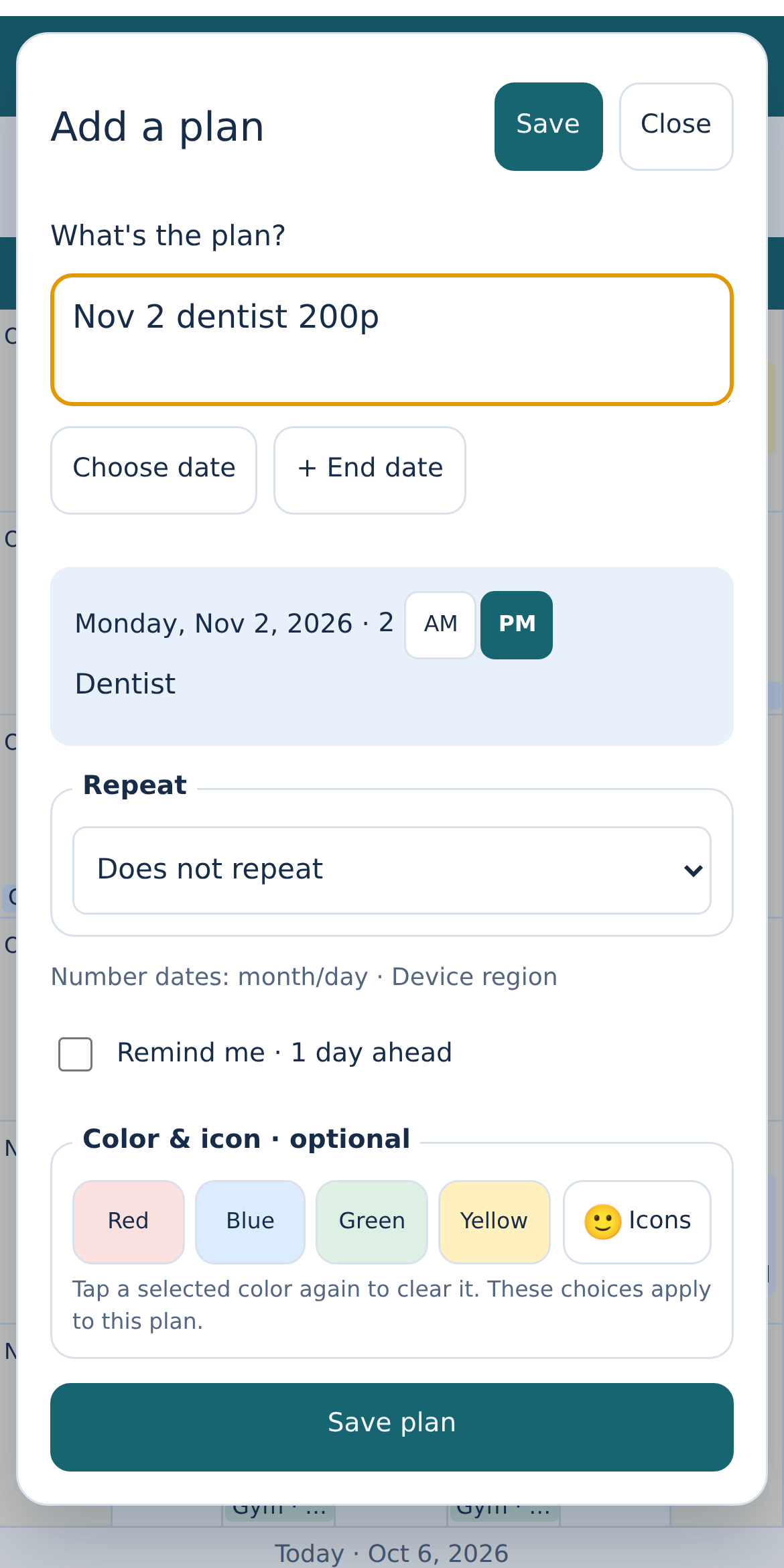
Check the details before you save.
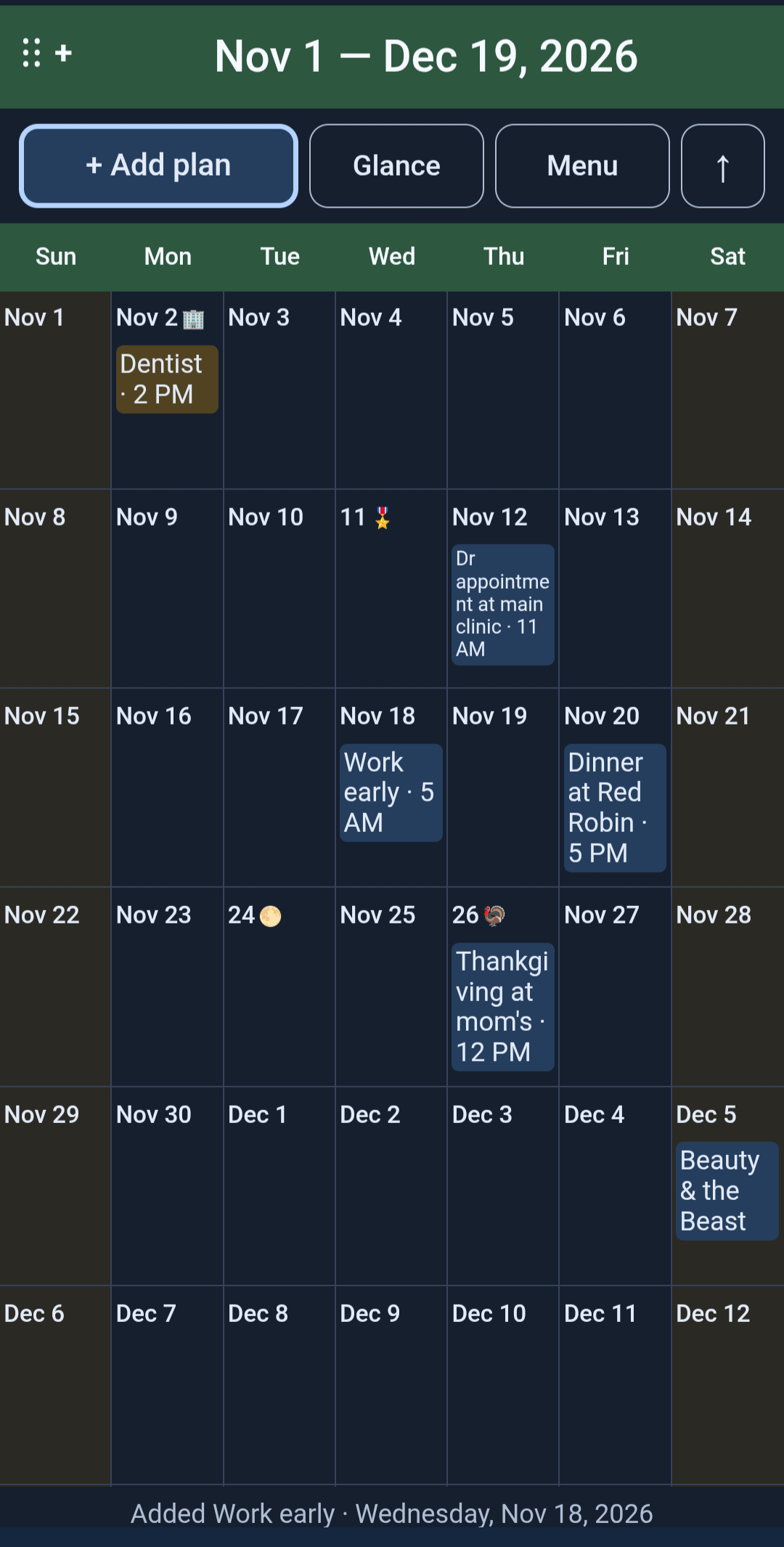
A CALENDAR THAT FEELS LIKE YOURS
Use colors and icons to tell plans apart, add week notes, and set repeats for the routines you want to keep.
Optional US holiday markers, full moons and yearly occasions help the important dates stand out. Switch to Glance when a simple list is all you need.
Calendar and phone images on this page contain sample plans.
TAKE A CLOSER LOOK
Release previews and supplied phone samples. Light, dark and personal touches.
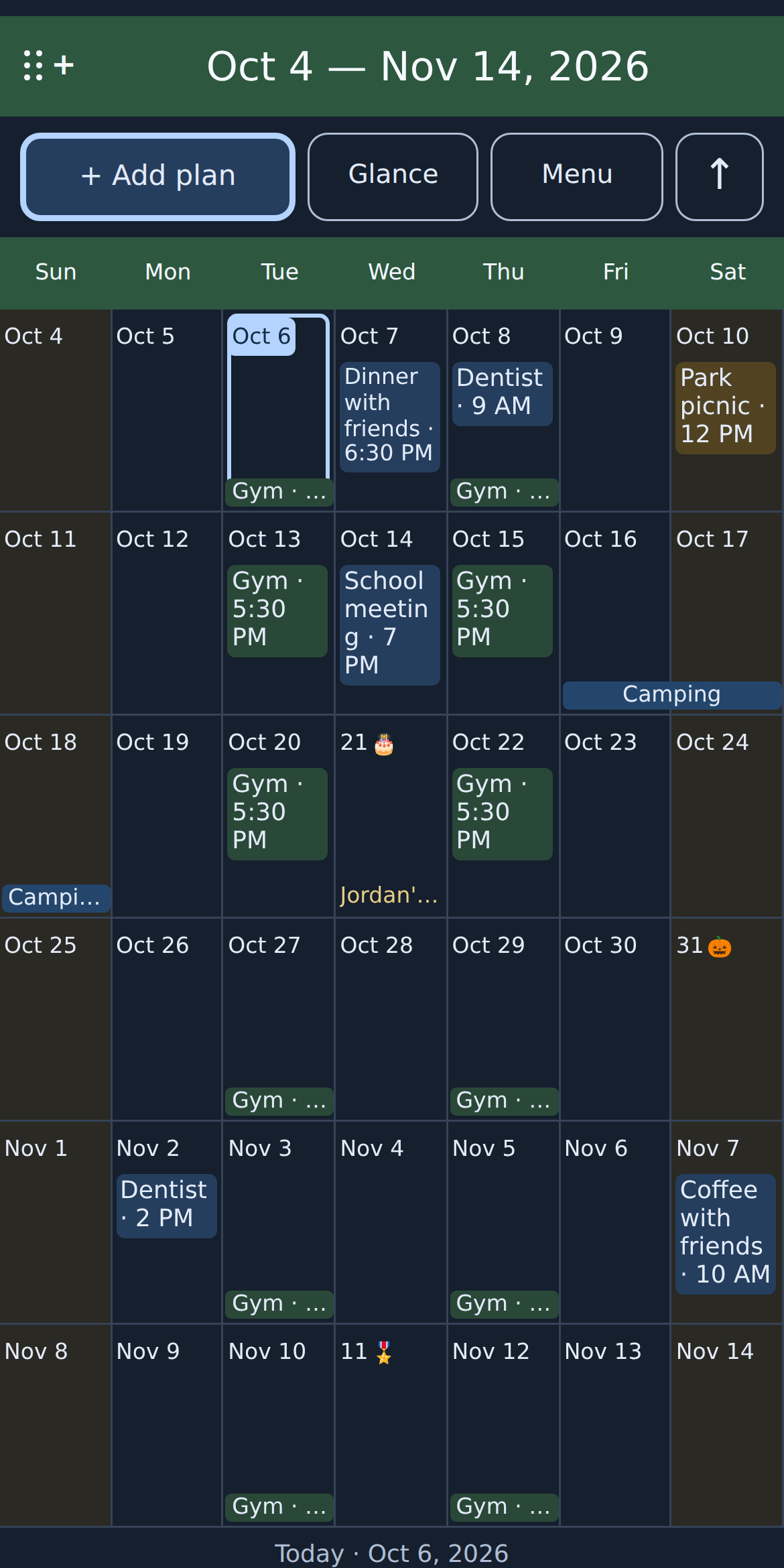
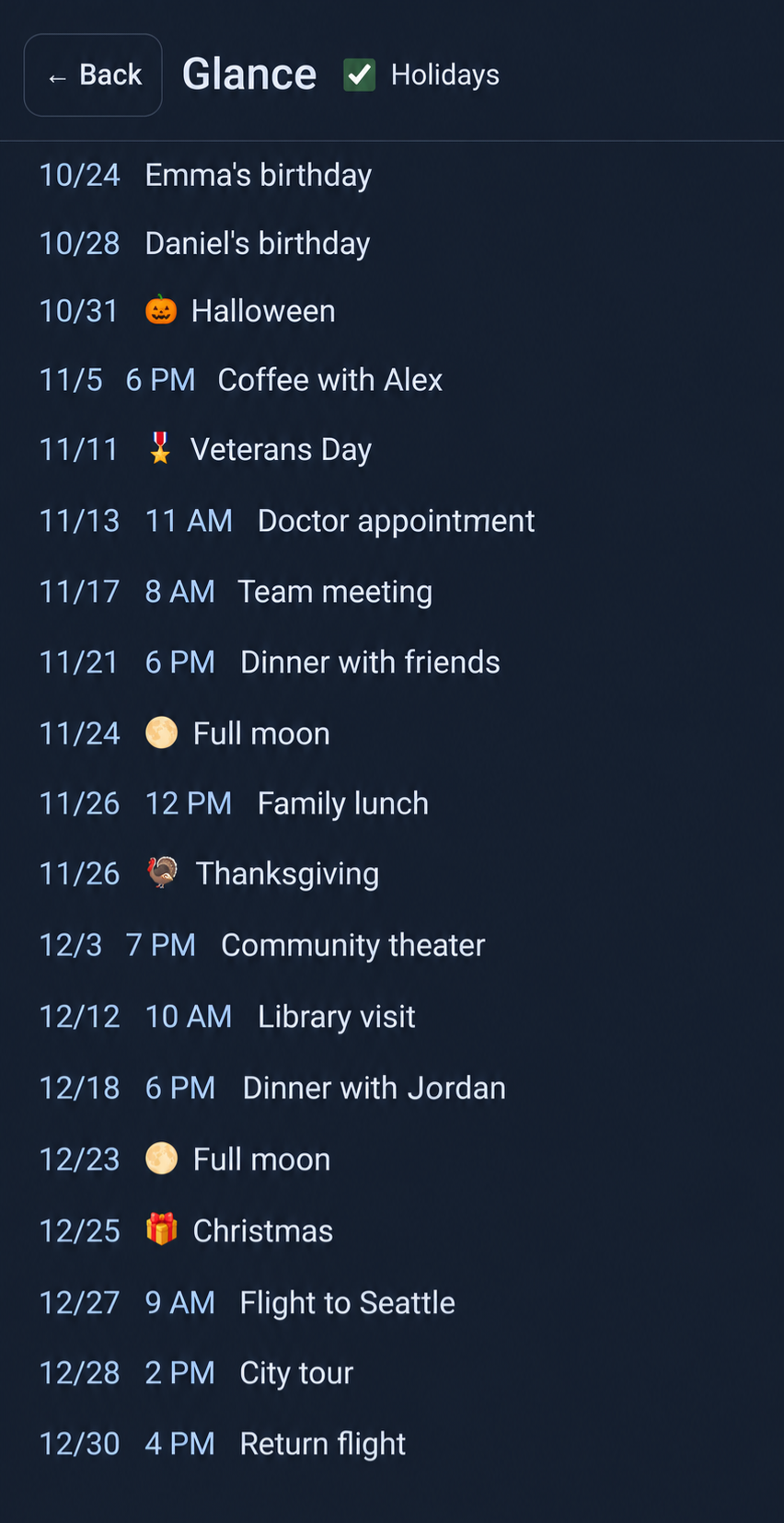
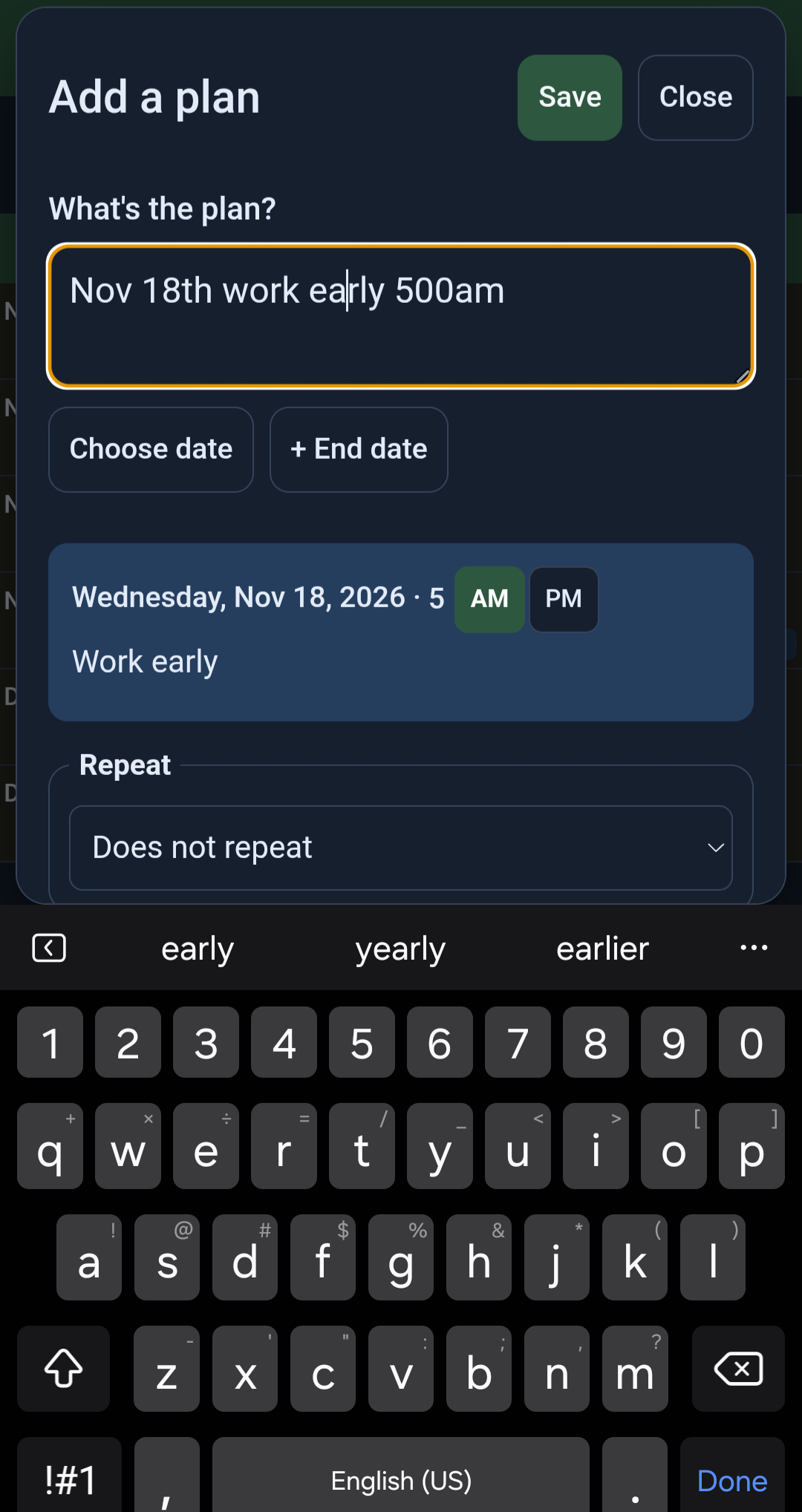
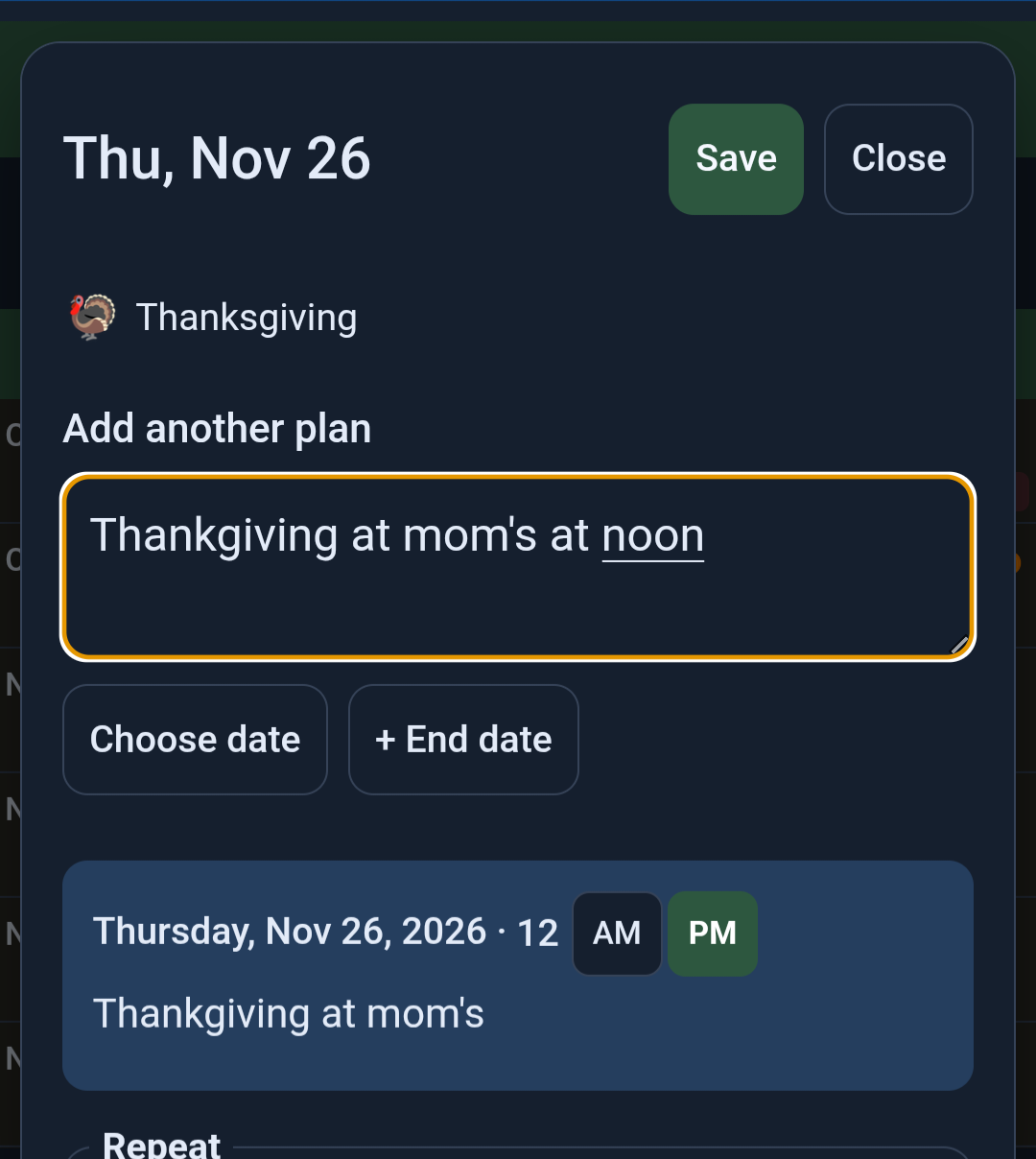
Select a screenshot for a closer look. Previews may change before release.
YOUR DEVICE. YOUR PLANS.
Weeks Ahead has no account, advertisements or cloud planning service. The current Android build has no Internet permission.
Plans and settings stay in private storage on the device. You can choose to save a backup elsewhere; a storage provider you select handles that file under its own policies.
How Weeks Ahead handles your informationBEFORE YOU PLAN AHEAD
The app is being prepared for public Android release. We haven’t announced a release date. Its official Google Play link will be added here when available.
It can import selected entries from calendars available on your Android device. You review and confirm the copies. It does not continuously sync changes or edit the source calendar.
No. A bundled text-recognition model processes the selected image on your device, and local rules suggest plan details for your review. The app does not read your messages automatically. The current build has no Internet permission; the privacy policy explains its SDK and local diagnostic behavior.
Calendar access is requested if you import a device calendar. Notifications are requested for reminders. Images use the system picker, and taking a photo opens your installed camera app. It does not request access to your messages, contacts, microphone or location.
There is no automatic account or cloud sync. Save a backup somewhere you can access before changing phones, then restore it in Weeks Ahead. Clearing app data or uninstalling removes the local plans, but does not delete backup files saved elsewhere.
An everyday calendar from WonderRivet Studios.