How should a new player begin?
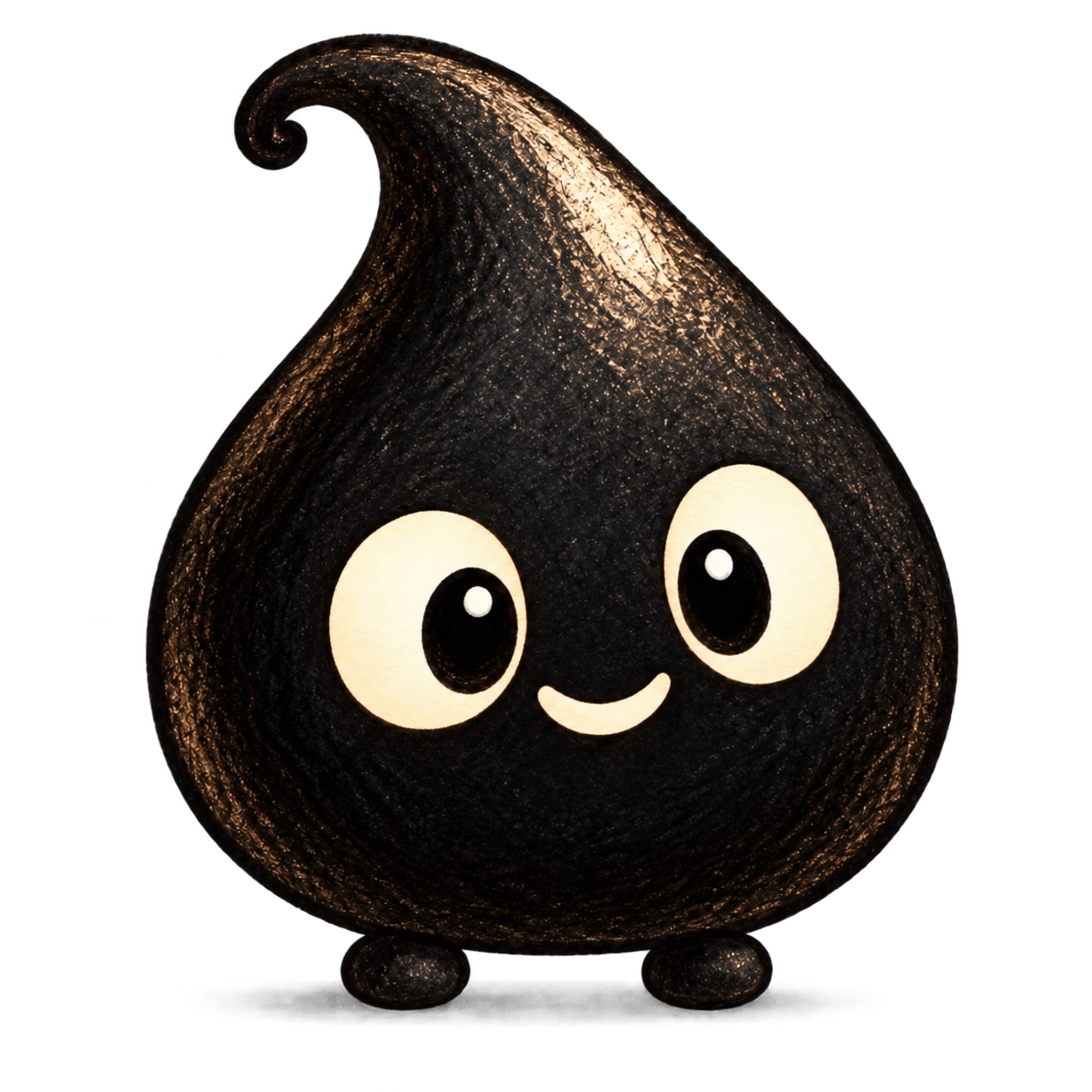
Start with brief illustrated help and Safe Practice: choose a pen, draw above Blot, let go and watch the bounce. Easy Story gives five hearts and three seconds before used ink returns. Normal and Hard remain available. Start with page 1-1 and black ink. Beat each page to open the next, and complete each six-page chapter to earn another ink color. All 60 Story pages across ten chapters are included; stars are earned by playing.
Can children play without an account or internet?
Yes. Story, Scribble, local Maker and the three included Studio pages work offline without an account. Community browsing, publishing, creator registration and Maker file sharing stay off for under-16 and unknown-age profiles.
What does the family PIN do?
It locks local adult controls. It is not verified parental consent and cannot turn on child Community or Maker file sharing. On a shared device, an adult should establish a PIN before selecting a known child profile. Without that earlier PIN, the child profile cannot switch itself to an online-eligible profile; offline play and saves remain available. The adult session locks when backgrounded.
Why does my page stay local after switching to an adult profile?
A page created or edited under a child/unknown-age profile remains local-only, including copies and connected books. Older unmarked, imported and downloaded pages also remain local-only. Switching profiles or entering a PIN does not make them publishable or exportable. You can still keep, edit and play them locally.
Something stopped working. What should I try?
Close and reopen the app. If the problem returns, record the steps and email us. Avoid clearing storage or uninstalling first, because that can remove saves. Include the installed app version.
Can support bring back a missing save?
We do not have a server backup of local progress or drafts. Keep any permitted exported creation files you already have. Tell us what happened so we can investigate, but we cannot promise recovery.
Can I publish a creation to Community?
Eligible players aged 16+ can opt in to public browsing and publishing separately in family settings; both start off. Only permitted fresh, original older-player creations can be shared. The publication flow uses a preset public nickname, title and clue and asks you to accept the Community rules. Public pages appear after data checks and are not reviewed before publication. Under-16 and unknown-age players cannot use this flow.
How soon does a shared map appear?
A valid map appears after a successful upload. Eligible players can refresh Browse to see it. There is no moderator approval queue. Individual maps are not individually reviewed or endorsed before publication. Never encode private information in a public design.
Are Community maps checked by WonderRivet?
Maps are player-made and are not reviewed before publication. Creators are responsible for them. Use Report/Block for a problem; repeated independent reports may hide a map automatically. Maps can be removed for breaking the Community terms. We do not guarantee suitability or completion.
How do I remove an old submission or creator identity?
Request account and data deletion, including without access to the app.
Eligible owners can use My shared pages to Withdraw a submission or Remove creator identity. Earlier credentials may be recovered explicitly for cleanup only, not new publishing. The public payload is cleared, but necessary database identifiers and moderation metadata are not all hard-deleted, and downloaded copies are not recalled. Turning Community off or clearing device storage does not remove server records. An adult can email us for deletion help or lost ownership.
How do I report or hide a creator?
Eligible Community users can choose Report/Block on a public creation, select a fixed reason or block the creator from their shelf. Reports go to a private moderation queue. Under-16 and unknown-age profiles cannot browse Community; an adult can contact support about a concern.
Community cannot connect. What should I do?
First check that the profile is eligible and that you deliberately enabled the relevant Community choice. Restricted profiles cannot connect, even after a PIN unlock. For eligible players, check the connection and reopen Community. Local play and saved pages remain available offline. Retry within the same publication flow to avoid an accidental second submission.
How is support email handled?
We receive the address, message and attachments you choose to send to answer the request or investigate. An adult should contact us for a child and avoid unnecessary child information. Correspondence is retained as needed to resolve requests, maintain relevant records or meet obligations. Request deletion by email. See the Blot privacy policy and studio email information.
How do ads and purchases work?
Optional rewarded ads open the selected color or all six pages in a chapter permanently. They do not count as wins or earn Maker rewards. Ad-free + Unlock All removes ads and opens all Story pages and colors. Maker rewards still come from winning pages. Restore purchases uses the Google Play account used to buy. If checkout is unavailable, keep playing and try again later. Pending payments do not unlock access.
How do I change the music?
Blotness is the new default soundtrack: Blot 9 for regular play, Blot 8 for menus and Blot 5 for Maker. Bosses keep their original tracks. Settings includes soundtrack and volume choices; existing sound and mute preferences are kept.